As smart home adoption continues to rise, so do concerns about privacy and cybersecurity. At Trends Ventures Ltd, we work daily with security cameras, fire alarms, access control systems, and smart automation solutions, and one reality is clear: every major data breach involving smart devices should prompt homeowners to reassess their security setup.
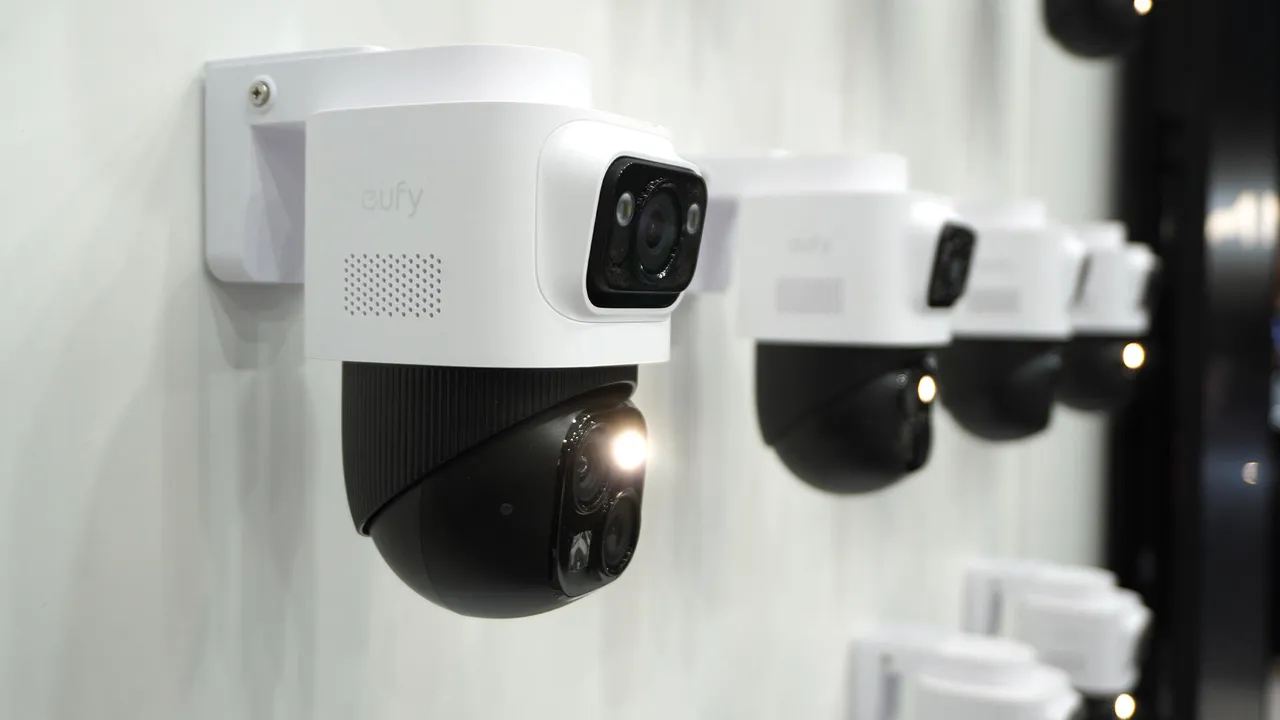
Recent global reports have reignited the debate around smart home safety, particularly after revelations that over 120,000 home security cameras were hacked in South Korea and exploited for illegal activities. Incidents like this raise an urgent question: how secure are the smart devices protecting your home?
For many households, smart technology has become essential — from smartphones and tablets to CCTV cameras, smart plugs, sensors, and alarm systems. Yet when poorly configured, these same devices can expose private homes to serious risks.
Can Smart Homes Be Hacked?
The short answer is yes — but only when basic security measures are ignored.
Smart homes are rarely targeted individually. Most attacks are opportunistic, with hackers scanning for vulnerable devices rather than focusing on a specific property. In nearly all reported cases, breaches occurred because simple security steps were overlooked.
The key is to avoid being an easy target.
Common Mistakes That Put Smart Homes at Risk
Most smart home security failures are caused by:
Weak or default passwords
Outdated device firmware
Poorly secured Wi-Fi networks
Unnecessary features left enabled
Fortunately, all of these risks are preventable.
How to Protect Your Smart Home from Hackers
1. Use Strong, Unique Passwords Many reported breaches — including hacked baby monitors — happen because default passwords were never changed. Weak or reused passwords are easily exploited.
Every device and account should have a strong, unique password. The more secure your system, the less attractive it becomes to attackers.
2. Enable Two-Factor or Multi-Factor Authentication Two-factor authentication (2FA) adds a vital layer of protection. Even if a password is compromised, access is blocked without your approval.
Most modern smart home platforms support 2FA, and while it may feel inconvenient, it significantly reduces the risk of unauthorized access.
3. Secure Your Wi-Fi Network Your smart home relies on your network for protection.
Use WPA2 or WPA3 encryption
Change default router passwords
Avoid sharing Wi-Fi credentials
For added security, consider creating separate networks — one for personal devices and another dedicated to smart home and IoT systems.
4. Keep Firmware Updated Manufacturers regularly release firmware updates to fix security vulnerabilities. Devices running outdated software are far more exposed to attacks.
Enable automatic updates whenever possible to maintain continuous protection.
5. Disable Unnecessary Features If a feature isn’t essential — such as remote access or unused integrations — disable it. Fewer active features mean fewer entry points for attackers, especially for camera-enabled devices.
Turning off router features like Universal Plug and Play (UPnP) can also enhance security.
6. Research Before You Buy Well-known brands are not immune to breaches. Always research manufacturers, their security policies, and real-world user experiences before purchasing smart devices.
Look beyond marketing claims and verify features like local storage, encryption, and data privacy practices.
Final Thoughts from Trends Ventures Ltd
Smart homes are not inherently unsafe — poorly secured smart homes are.
With the right devices, proper configuration, and good security habits, smart technology can greatly improve safety and peace of mind. At Trends Ventures Ltd, we help homeowners and businesses deploy secure, reliable smart home and security solutions tailored to their needs.




 chat with us